










Apply bounded rules to supported triggers without treating Issue as a general workflow engine.
Before you start
- Define one measurable trigger and condition.
- Choose a supported record action.
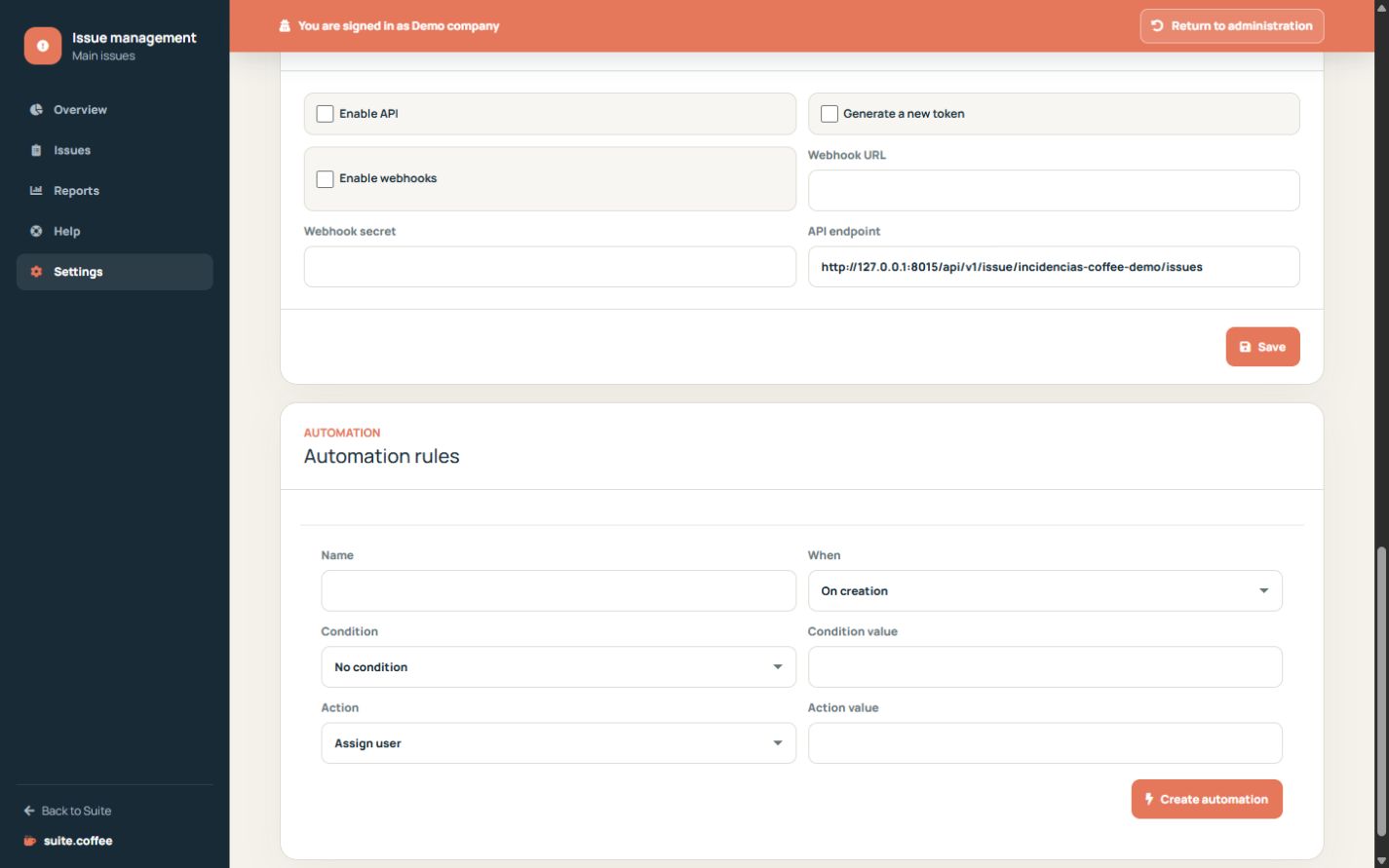
Choose the trigger
Run a rule on creation, update or status change and optionally limit it by category, location, priority, severity, source or status.
Choose a supported action
Assign a valid user, set priority, mark as major or set a due date in hours. Rules are audited when applied.
Avoid feedback assumptions
Automations are bounded record actions, not a general workflow engine, AI classifier or external script runner. Test conditions before enabling a rule in production.
Step by step
- Open the automation section in Settings.
- Name the rule and choose creation, update or status trigger.
- Add an optional supported condition.
- Choose assignment, priority, major flag or due hours.
- Save disabled, test the condition, then activate.
Final check
- Condition values match stored values.
- The action target is valid.
- Applied rules appear in audit history.
Tip: Rules do not run arbitrary scripts, classify with AI or replace human lifecycle decisions.