










Record concrete operational problems and use focused queues to decide what needs attention next.
Before you start
- Prepare category, location and observed facts.
- Know the owner, impact and due date when possible.
Create a useful record
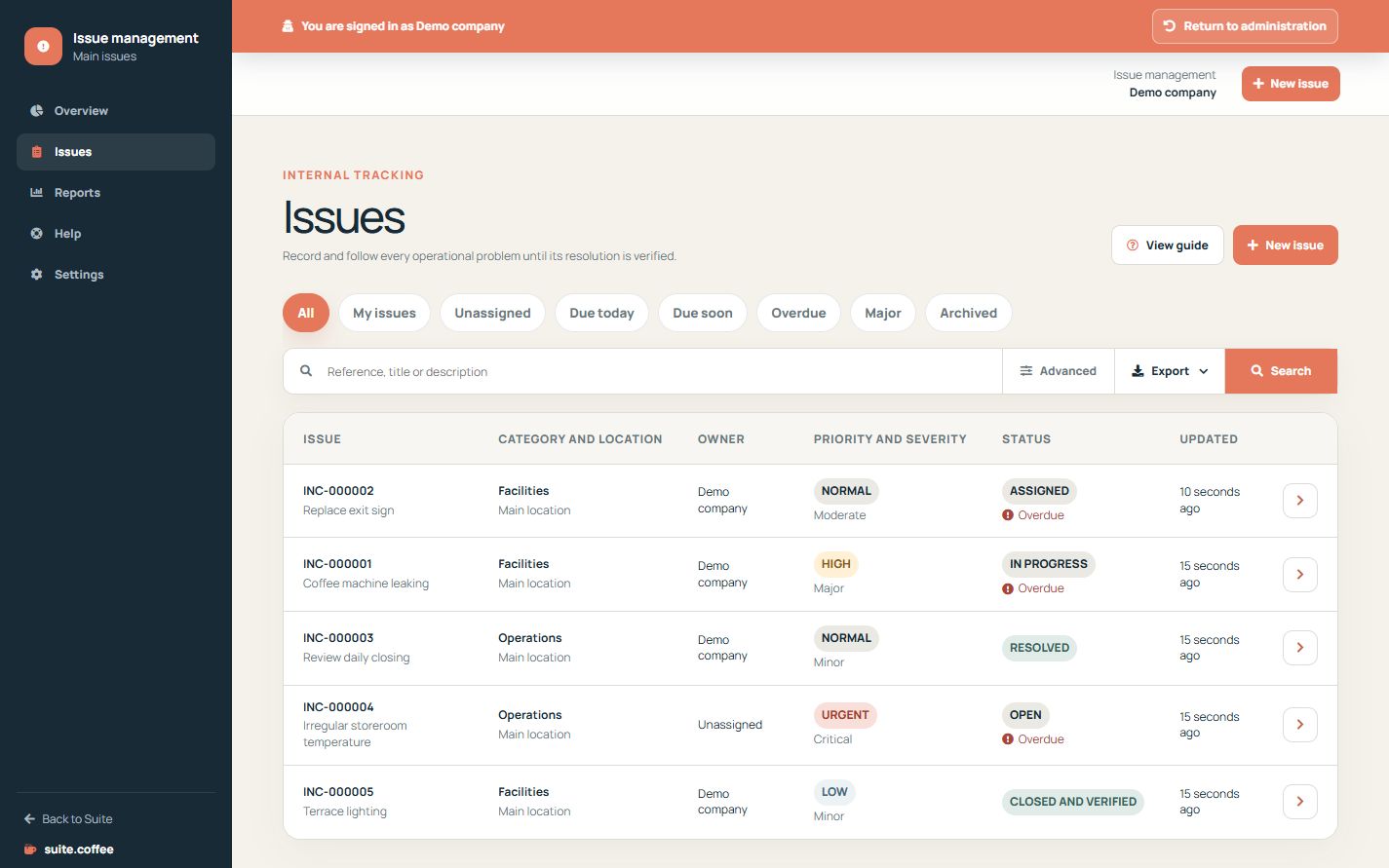
Describe the observed problem, choose category and location, record detection and due dates and set priority, severity, impact and responsible person when known.
Use quick queues
Review mine, unassigned, due today, due soon, overdue, major and archived views. Filters and exports use the selected scope.
Avoid silent conflicts
Issue uses optimistic locking. If another person has changed the record, reload before saving instead of overwriting their update.
Step by step
- Open Issues and select the relevant quick queue.
- Search or filter before creating a duplicate.
- Create the issue with observed facts and classification.
- Set priority, severity, owner and due date.
- Use filtered exports only after confirming the scope.
Final check
- The record describes one concrete problem.
- Priority and severity reflect reality.
- The due date and owner are actionable.
Tip: Reload after a version conflict; do not overwrite another person’s newer change.