










Use the personal Issue inbox to reach authorised records that need your attention.
Before you start
- Enable the relevant notification types.
- Confirm the signed-in user and instance.
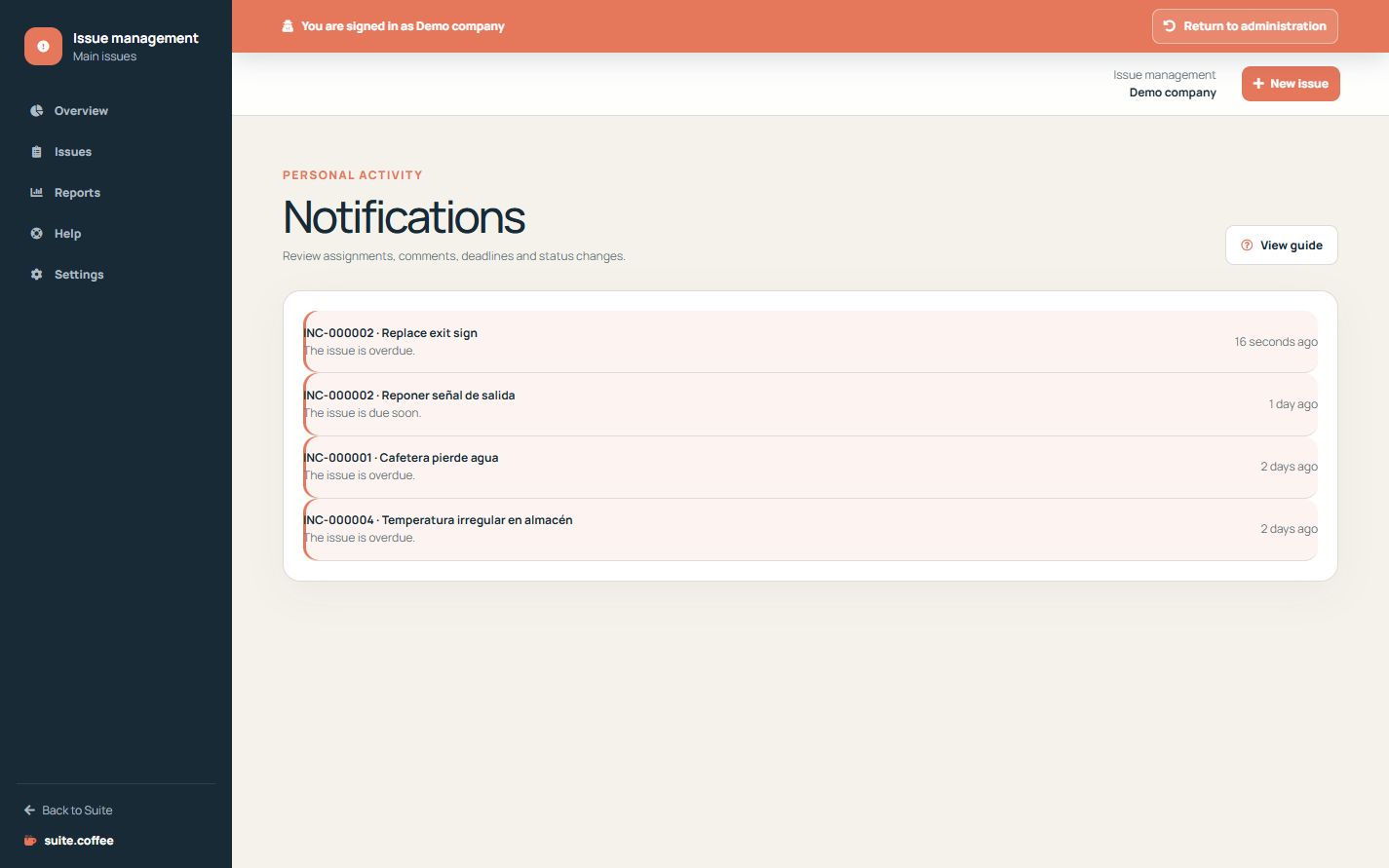
Use notifications as an inbox
Issue creates personal alerts for assignments, comments, corrective actions, approaching due dates, overdue records and status changes according to settings.
Open the source record
Reading a notification marks it for your user and opens its authorised issue context. It does not change the issue status or complete an action.
Keep channels distinct
These are internal operational notifications. They are not Ticket conversations, public reporter messages or a marketing email inbox.
Step by step
- Open Notifications from the overview.
- Review unread items first.
- Open the source issue from the notification.
- Perform the real issue or action update there.
- Return to the inbox to continue prioritised work.
Final check
- The notification belongs to the current user.
- The source issue remains authorised.
- Reading alone did not change issue state.
Tip: This inbox is internal operational alerting, not a Ticket conversation or public reporter mailbox.